
Powerful features in an easy-to-use platform
Everything you need to take control of scheduling.











BUILD
Plan projects confidently and intuitively
Planera gives you the tools to easily plan and create project schedules. Customize codes, calendars, and resources so every plan is both precise and adaptable.
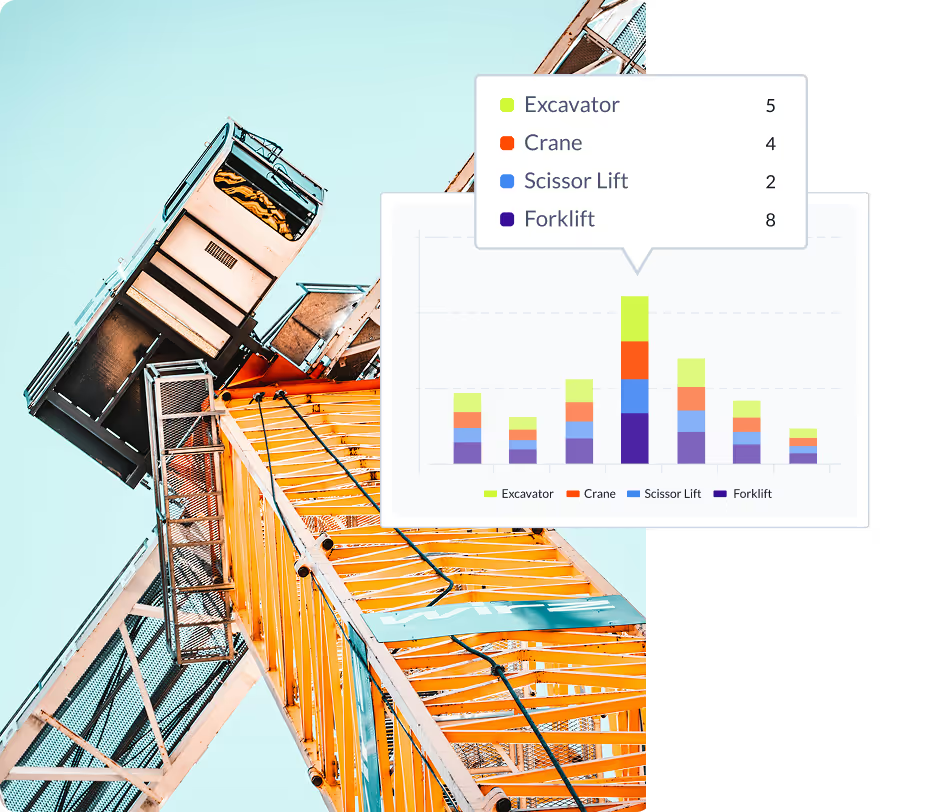
CPM Canvas
Build and adjust CPM schedules on a digital whiteboard, so complex projects are easier to visualize and plan.
Read More →Custom Codes
Define your own coding structures to maintain consistent reporting across projects and portfolios.
Resource Loading
Balance labor and equipment resources with clarity—preventing bottlenecks before they happen.
Field Schedules
Take a slice of the master schedule to create detailed field plans, ensuring execution stays aligned with the master plan.
Read More →Custom Calendars
Adapt schedules to real-world conditions by setting work weeks, holidays, and project-specific calendars.
OPTIMIZE
Improve schedule quality and reduce risk
Strengthen your schedules with tools that reveal risks so you can be proactive. Planera helps refine project plans to make them more efficient, accurate, and ready for execution.
Gantt
View and manage schedules in a classic Gantt format that makes sequencing and dependencies clear.
Risk Simulation
Test scenarios and forecast outcomes to spot risks before they impact your timeline.
Critical & Float Path
Identify the critical path as well as multiple float paths.
Filter / Organize
Quickly sort, group, and filter schedules by any field so you can focus on what matters most.
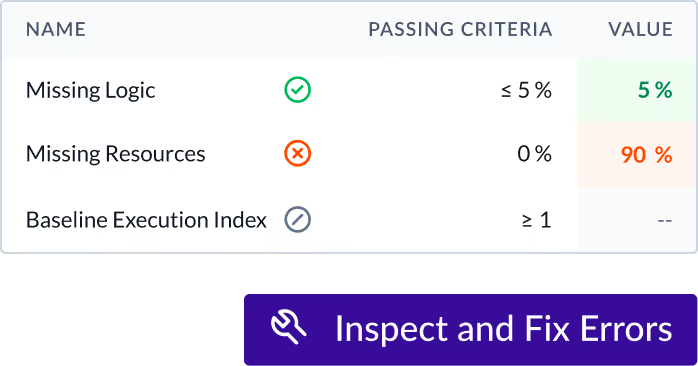
DCMA Quality Check
Validate schedules against industry standards to ensure compliance and credibility. Quickly find and fix errors.
Read More →
BETTER SCHEDULING
The modern way to plan
Replace outdated tools with flexible scheduling built for today’s projects. Planera helps you adapt quickly and keeps the office and field aligned.
TRACK PROGRESS
Keep projects moving with real-time visibility
Monitor every change, compare versions, and stay aligned on updates from the office or the field. Planera ensures you always know where your project stands.
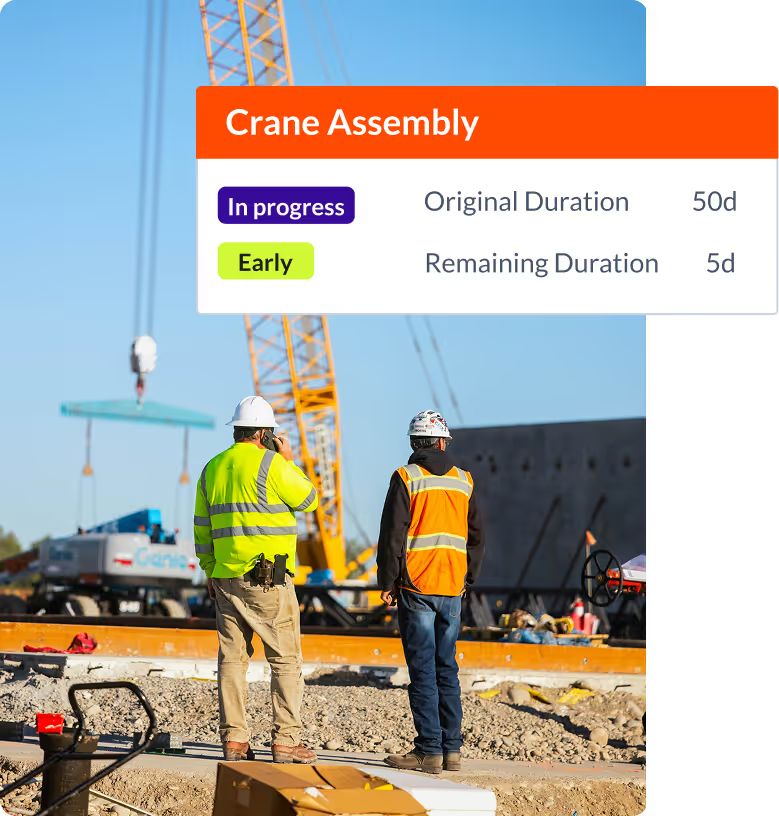
Multiple Versions
Manage different schedule versions with ease, so you can track changes over time and keep a full project history.
iPad
Access and update project schedules directly from the field with a streamlined on-the-go experience.
Read More →Watchlist
Flag key tasks or milestones and keep them top-of-mind with personalized watchlists.
Progress Updates
Capture and share real-time updates to ensure everyone stays informed as work advances.
Version Compare
Quickly compare versions side by side to spot differences and understand schedule impacts.
ANALYZE
Turn project data into clear, actionable insights
From dashboards to variance tracking, Planera provides critical reports. Spot trends, monitor performance, and improve decision making.

Project Dashboard
Get a complete view of project health with dashboards that highlight the metrics that matter most.
Read More →PPC
Measure percent plan complete to drive accountability and improve schedule reliability.
Labor & Resource Dashboard
Monitor labor and equipment allocation in real time to balance resources and avoid costly inefficiencies.
Progress S Curves
Track actual progress against planned baselines with visual S curves that reveal performance at a glance.
Variance Codes
Quickly understand the reasons behind schedule variances with detailed coding and categorization.
GREATER OUTCOMES
Minimize risk, maximize results
With visibility into project performance at every stage, you’ll deliver projects on time, on budget, and with stronger collaboration.
Request a Demo
COLLABORATE
Keep project teams connected and aligned
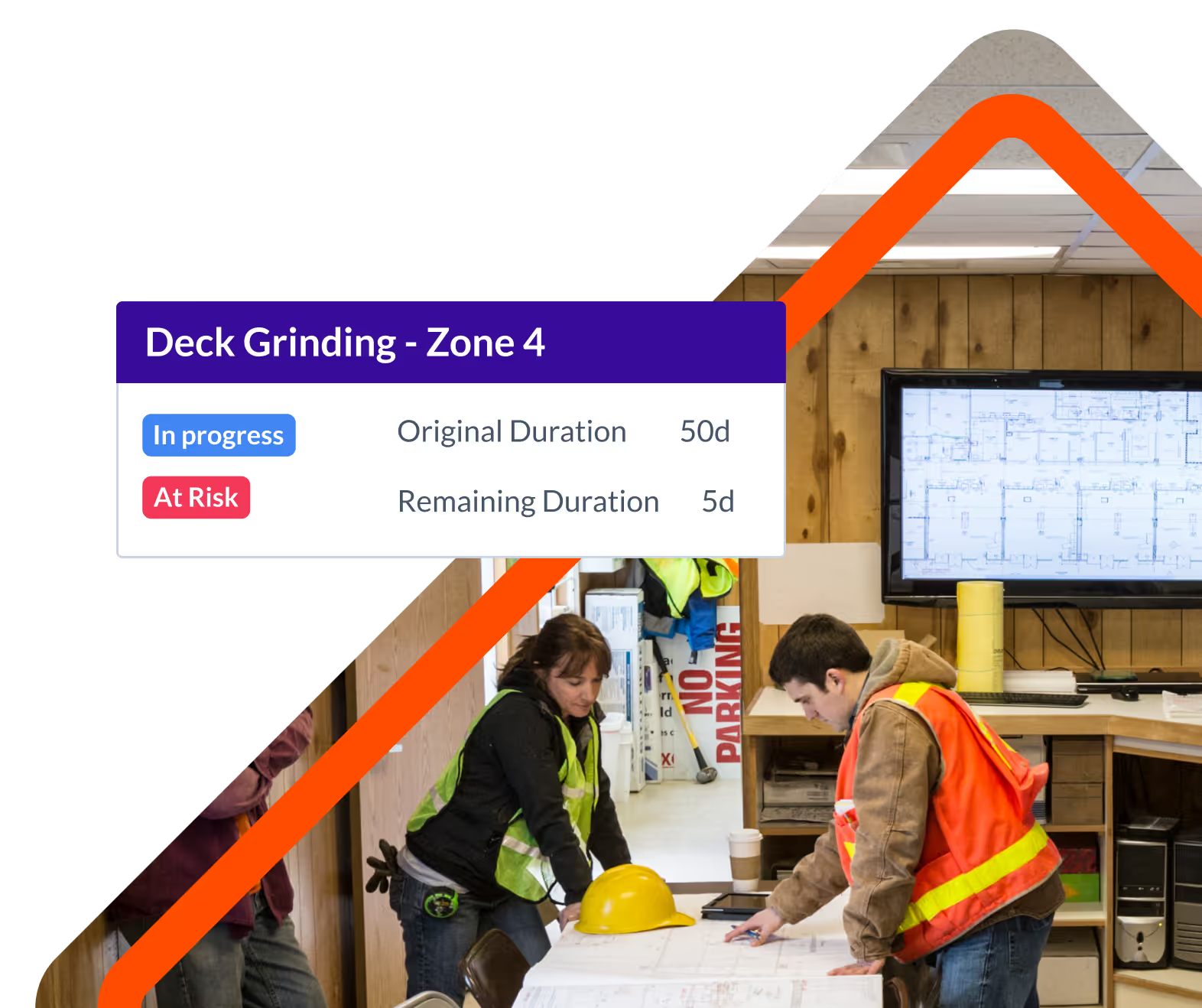
Share, coordinate, and communicate seamlessly across roles and platforms. Planera makes it easy to distribute plans, make updates, and keep all stakeholders on the same page.

Lookaheads
Create and share short-term schedules that keep field teams focused.
Roles
Assign roles and permissions so every team member has the right level of access.
Import & Export
Easily bring in schedules from other tools, including P6, Project, and Excel. Export data when needed, ensuring smooth handoffs.
Bookmarks
Filter and sort schedules, then create a bookmark for quick reference and faster collaboration.
PDFs
Generate and share polished PDF schedules for external stakeholders or offline use.
Planera is the easier way to schedule
Drive revenue, reduce costs, and manage scheduling with Planera.
Book a Demo